
No camera
 Join waitlist

No camera

No battery

LED
Watch

The real issues
Physical & postural
Eye & vision
Leaning in strains your neck.
A close screen exhausts eye muscles.
Eye strain builds into headaches.
Staring up close makes you blink less.
Sitting too close rounds your posture.
Forcing images into focus.
The proof

70%
experience computer vision syndrome

20-30in
recommended viewing distance

80%
report severe fatigue

60lb
pressure on the spine at neck tilt
What we have to offer
The app

Before you ask
You can, but most software-based tracking relies on keeping your camera on. Our approach gives you distance awareness without sacrificing your privacy or control.
No. Privacy is important to us. We use a time-of-flight sensor which measures you and your Qube's distance. That's it.
No. The sensor used is of Class 1, which means it is completely safe.
Only if you set it that way. You choose both the distance that counts as “too close” and how long you have to be inside it before the light comes on, so a quick lean-in to read something small won’t trigger it if you don't want it to.
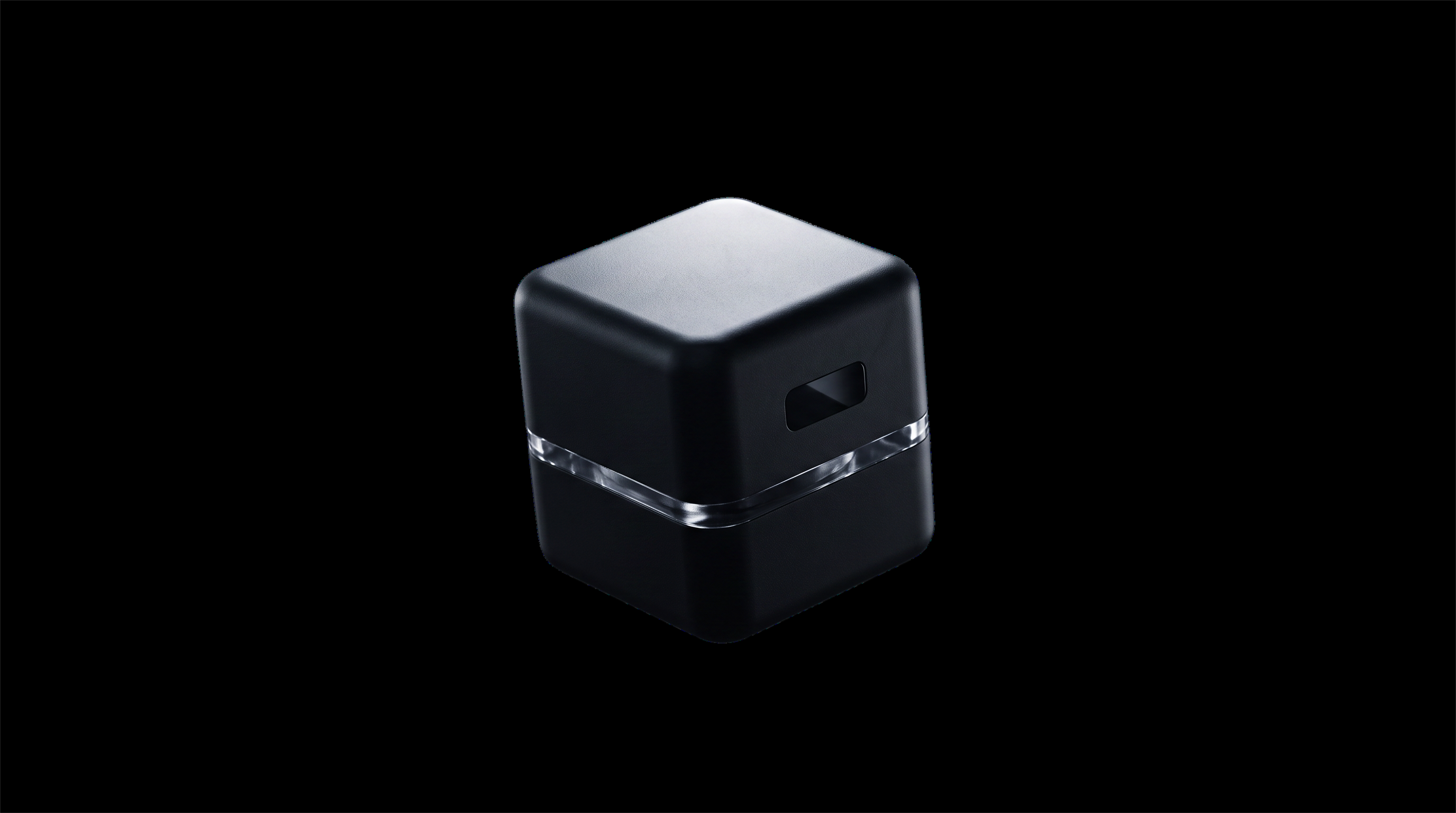
A steady glow from the LED strip that wraps around the Qube. It doesn’t flash or make noise, it just stays lit as a visual reminder, and turns off on its own the moment you move back past your set distance.
Because that’s the actual fix. The Qube’s light is tied to your real distance, not a timer you can dismiss.
No. The Qube is a one-time purchase. You own it forever.
The Qube should be placed on your desk, facing you, so you can see it when you lean forward. Best under your monitor/computer screen, but it can also be placed on the side of your screen if you prefer. Just make sure it points towards you.
Early access
Enter a valid email address.
You’re on the list. We’ll be in touch.